Elevate Your Etsy Shop with Device Canva Mockups
Running a successful Etsy shop, especially one focused on digital products, often comes down to presentation. You could have the most useful planner, the most beautiful printable wall art, or the most comprehensive social media template bundle, but if your listing images don't grab attention and convey quality, potential buyers will scroll right past. This is where the real challenge lies for many Etsy sellers: creating professional, consistent, and eye-catching mockups without spending hours in complex software or hiring a designer. This is precisely the problem the Etsy Device Canva Mockup bundle is designed to solve.
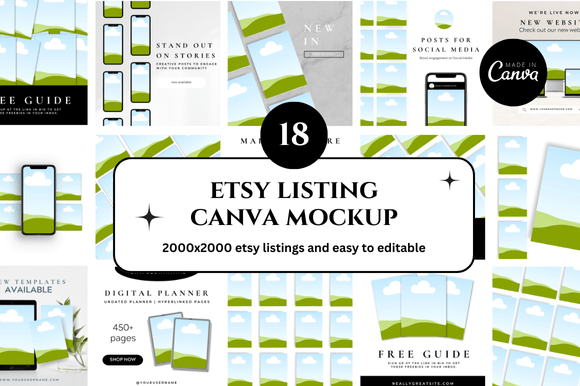
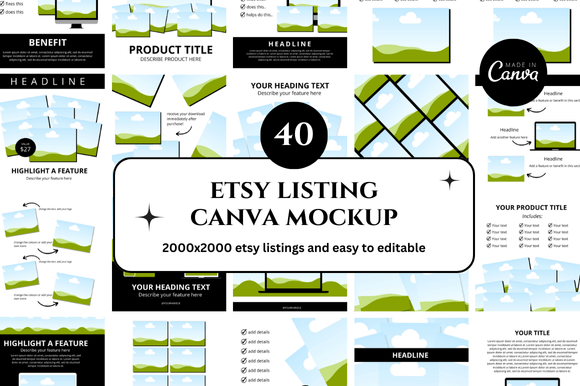
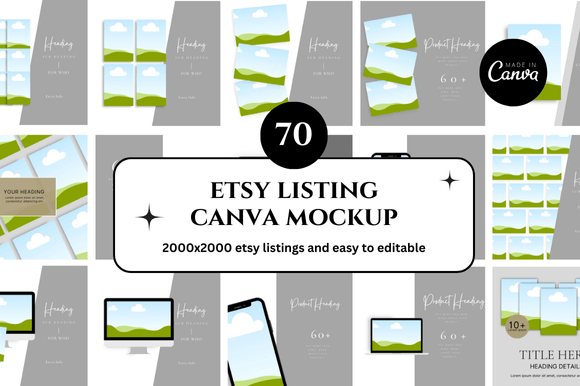
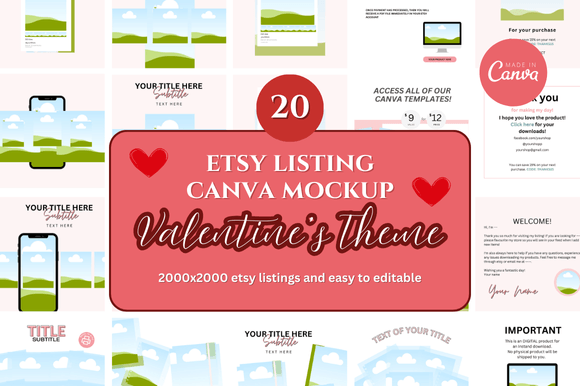
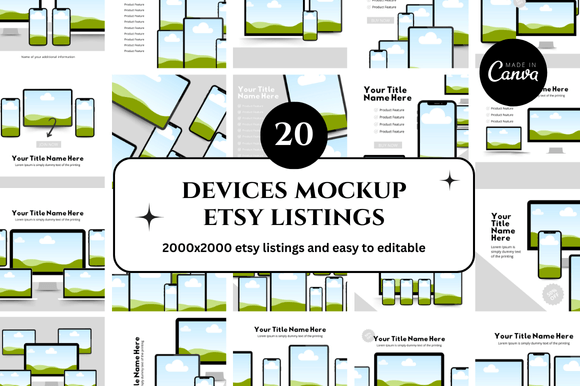
Imagine having a library of 20 pre-designed, customizable templates at your fingertips, all accessible through the free and user-friendly Canva platform. These aren't just static images; they are dynamic templates where you can insert your own digital product designs directly onto realistic device screens—like laptops, tablets, and smartphones. The visual style is clean, modern, and intentionally minimal, ensuring your product remains the star of the show. The personality of these mockups is professional yet approachable, helping to build trust and credibility with your audience from the very first glance. They provide that polished, "established shop" look that can significantly influence a buyer's decision to click, explore, and ultimately purchase.
Where These Mockups Truly Shine: Real-World Applications
The utility of a versatile mockup template extends far beyond a single listing image. For the Etsy digital seller, this bundle is a cornerstone asset for building a cohesive brand identity. Consider using a consistent device mockup style across all your listings. This creates a visual thread that makes your shop look organized, professional, and instantly recognizable to returning customers. It’s a simple form of brand strategy that pays dividends in perceived value.
Beyond the Etsy shop itself, these templates are invaluable for broader marketing and digital projects. Are you promoting a new printable bundle on Instagram or Pinterest? Use a mockup to show your design in a realistic context—perhaps on a tablet next to a cup of coffee, or on a laptop on a tidy desk. This helps potential customers visualize the product in their own lives, which is far more effective than a flat, uninspired screenshot. For bloggers and content creators, showcasing a freebie or a digital guide within a device mockup adds a layer of professionalism to your website or newsletter. Even small business owners selling physical goods can use these to display digital manuals, setup guides, or bonus digital content that accompanies their products.
The style is particularly suited for web design presentations, social media graphics, and even editorial design for digital magazines or lookbooks. The clean lines and neutral backgrounds ensure they complement a wide range of aesthetic styles, from minimalist to more colorful and bold designs. They work exceptionally well for presenting planners, journals, budget trackers, Canva templates for social media, resume templates, and printable wall art. The key is that they provide a neutral, high-quality stage for your work.
Practical Guidance: Making the Most of Your Mockup Bundle
When you receive your instant download link, you'll gain access to 20 Canva templates. The first step is to evaluate which mockup layout best suits the product you're showcasing. A full-page planner might look best on a tablet mockup, while a set of Instagram story templates could be displayed effectively on a smartphone screen. Don't feel you need to use all 20 immediately; bookmark the ones that best fit your current product line and brand aesthetic.
Customization is straightforward. In Canva, you can typically click on the device screen (often a smart object placeholder) and upload your own design file. Pay attention to the perspective and shadows built into the template—these realistic details are what sell the illusion. A common mistake is uploading a design that's slightly off-angle or poorly cropped. Take a moment to ensure your design aligns perfectly within the screen bounds for the most professional result.
Consider the visual hierarchy of your final listing image. The mockup is the vehicle, but your product is the passenger. Ensure your design is clear and legible at thumbnail size. Sometimes, adding a subtle text overlay with a key benefit (like "Instant Download" or "Editable in Canva") can increase engagement, but be careful not to clutter the clean aesthetic of the mockup itself. The goal is clarity and appeal.
Finally, think about consistency. Using the same style of mockup across your shop builds a strong, recognizable brand. It also saves you immense time, as you're not starting from scratch with each new listing. This efficiency allows you to focus more on creating great digital products and less on the repetitive task of creating presentation graphics. For the Etsy seller, time is a precious commodity, and tools like these Canva link templates are designed to give you back hours of it.
In essence, the Etsy Device Canva Mockup bundle is more than just a set of images; it's a practical toolkit for elevating your shop's professionalism, streamlining your workflow, and ultimately, helping your digital products get the attention and sales they deserve. It bridges the gap between a great idea and a compelling presentation, which is the final, crucial step in the journey from creator to successful seller.